 Valion OS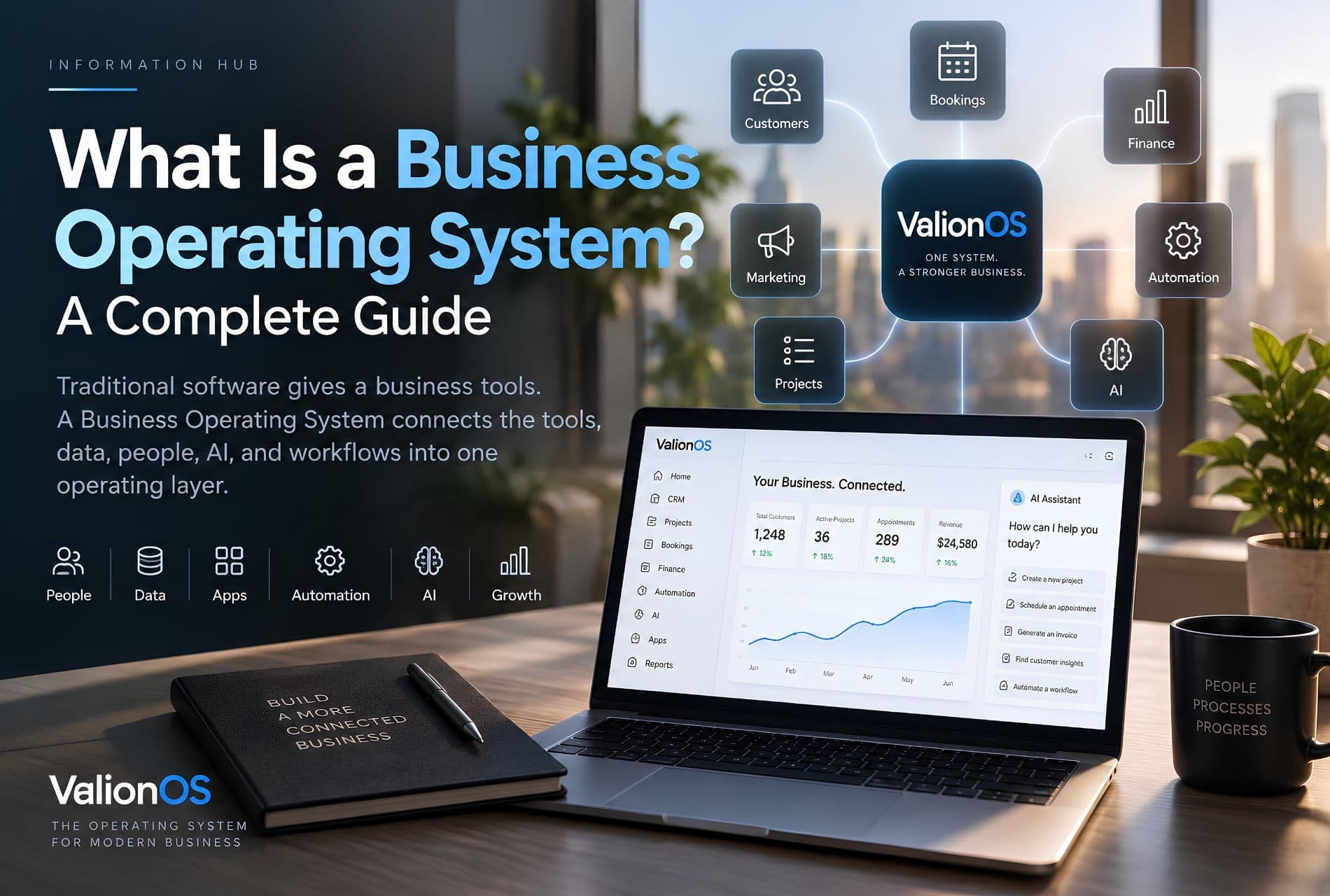
Key takeaways
- A BOS connects how the whole business operates together—not just a longer feature list.
- Ordinary business software solves department problems; a BOS starts from the operating flow.
- ERP emphasizes structured enterprise resources; CRM emphasizes customer relationships; a BOS is broader.
- AI inside a BOS needs permissions, context, and auditability—not unrestricted control.
- Choose a BOS by workflow fit, automation of real processes, and industry adaptability—not checkbox marketing.
Summary
A Business Operating System (BOS) connects business data, applications, workflows, people, automation, and AI into one operating environment—so lead → customer → booking → project → invoice → follow-up shares context instead of living in disconnected tools. This guide defines BOS, contrasts it with ERP and CRM, and shows how to evaluate platforms like Valion OS.
What Is a Business Operating System?
A growing business can end up using a CRM for sales, project management software for delivery, accounting software for finance, scheduling software for appointments, messaging tools for communication, and separate tools for automation.
Every system solves a problem.
The problem is what happens between the systems.
A lead may exist in the CRM, while the project exists somewhere else. Customer information may be copied into another application. Finance may not have visibility into the work being delivered. Employees may spend time moving information between tools instead of moving the business forward.
This is the problem a Business Operating System (BOS) is designed to address.
A Business Operating System connects the core systems, data, workflows, people, and automation that a business relies on into a more unified operating environment.
Instead of asking businesses to manage an ever-growing collection of disconnected applications, a BOS focuses on how the whole business operates together.
Definition: A Business Operating System is a software platform that connects the core functions and workflows of a business into one operating environment.
Depending on the platform, this can include customer relationship management, sales, projects, scheduling, bookings, finance, marketing, human resources, inventory, business applications, workflow automation, artificial intelligence, business reporting, and team collaboration.
The important part is not simply having all of these capabilities. It is connecting them.
For example, imagine a customer moves through this process:
Lead → Customer → Booking → Project → Invoice → Follow-up
In a disconnected software stack, each stage may live in a different system. In a Business Operating System, these stages can be connected into one operational workflow.
That distinction is the foundation of the BOS concept. To see how Valion OS applies it as a platform, start with the Valion OS product overview.
Why Is a Business Operating System Different From Ordinary Business Software?
Most business software is built around a particular function.
A CRM is built around customer relationships. Accounting software is built around financial records. Project management software is built around work. Scheduling software is built around calendars and appointments.
Each product can be useful. The problem begins when a business has to manually connect all of them.
Think of it like running a factory where every department has its own computer system, but none of the systems share information. The machines may be excellent. The factory is still inefficient.
A Business Operating System approaches the problem from the opposite direction. Instead of starting with individual departments, it starts with the operating flow of the business.
Valion Business Applications are designed as modules inside that shared environment—not as a pile of unrelated products.
How Does a Business Operating System Work?
A BOS typically brings together four layers:
1. Business Data
The system stores and organizes information about the business—customers, leads, employees, projects, tasks, appointments, transactions, invoices, products, documents, and communications. The objective is to reduce unnecessary duplication of information across disconnected systems.
2. Business Applications
Different teams still need specialized tools. A Business Operating System can provide applications for functions such as CRM, projects, finance, bookings, scheduling, inventory, marketing, and HR. The difference is that these applications can operate within a shared environment—see the Valion Apps catalog.
3. Workflows and Automation
Business processes then connect those applications. For example:
New lead → Lead assigned → Follow-up created → Lead becomes customer → Project created → Team assigned → Invoice generated
Instead of employees manually coordinating every transition, automation can handle defined parts of the workflow. That capability lives in the Automation Engine.
4. AI
AI adds another layer on top of the business context. Traditional software generally waits for a user to tell it what to do. Automation follows predefined rules. AI can interpret information, generate responses, analyze context, recommend actions, and—in systems that provide the appropriate permissions—assist with executing business tasks.
This creates the possibility of moving from software that stores work to software that helps perform work. See how Valion frames that as an AI workforce.
What Problems Does a Business Operating System Solve?
The need for a BOS usually appears when a company's operational complexity starts increasing.
1. Too Many Disconnected Tools
A business might use CRM, project management, accounting, calendar, booking software, chat, email, spreadsheets, automation platforms, and AI tools. The number itself is not the problem. The problem is when employees constantly have to move information between them.
2. Duplicate Data Entry
The same customer may have to be entered into multiple systems. That creates time waste and data inconsistency. If the customer's phone number changes in one system but not another, the company now has two versions of reality.
3. Manual Coordination
Many business processes depend on someone remembering the next step: a salesperson closes a deal and messages operations; operations creates a project; someone tells finance to prepare an invoice; someone else schedules a follow-up. Every manual handoff creates another opportunity for something to be forgotten.
4. Poor Operational Visibility
Executives often don't have a single operational picture. They may check CRM reports, finance dashboards, project boards, spreadsheets, team messages, and scheduling systems before they can answer: "What's happening in the business right now?"
5. Scaling Administrative Work
A business can grow revenue without increasing operational complexity proportionally—but only if its processes can scale. If every additional customer creates another set of manual tasks, growth eventually creates operational bottlenecks. A Business Operating System aims to make those processes more repeatable and connected.
Business Operating System vs ERP
Business Operating Systems are often confused with ERP systems because both can connect multiple business functions. They are related concepts, but they are not identical.
What Is an ERP?
ERP, or Enterprise Resource Planning, traditionally focuses on managing structured organizational resources and processes—finance, accounting, procurement, inventory, supply chain, manufacturing, human resources, and operations. ERP systems are particularly useful when a business needs deep control over these structured processes.
What Is the Difference Between a BOS and ERP?
The distinction is primarily about scope and operating model.
- ERP: traditionally centered on enterprise resources and processes; strong emphasis on finance, inventory, procurement, and operations; often structured around departments; automation is typically process-oriented.
- Business Operating System: centered on the broader operation of the business; can combine CRM, operations, projects, finance, AI, and automation; designed around connected workflows; automation can span multiple business functions; can provide the operational layer connecting people, applications, and AI.
A Business Operating System does not necessarily replace an ERP in every organization. In some businesses, a BOS may complement existing enterprise systems. For smaller and growing companies, a unified operating platform can potentially eliminate the need to assemble a large collection of disconnected systems in the first place.
For a deeper comparison, see Business Operating System vs ERP. To evaluate Valion OS as a platform (not an ERP replacement claim), read the platform overview.
Business Operating System vs CRM
A CRM and a Business Operating System solve different problems.
A CRM focuses primarily on customer relationships. A BOS focuses on the broader operation of the business.
Consider what happens when a salesperson closes a deal. A CRM can record: Deal → Won. But the business still has to deliver the work. That may require:
Customer → Project → Tasks → Team → Delivery → Invoice → Follow-up
The CRM is important. It simply isn't the entire operating environment. A Business Operating System can connect the customer lifecycle to the operational lifecycle.
This is why a BOS should not be thought of as simply "a better CRM." It is a broader layer. Explore Valion CRM software as the module that owns customer relationships inside the OS—and read CRM vs Business Operating System for the full comparison.
Business Operating System vs Business Management Software
The term "business management software" is broad. It can describe almost any application used to manage business activities. A Business Operating System is more specific in its philosophy.
Business management software might give you a collection of tools. A Business Operating System aims to connect those tools into an operating environment.
The distinction can be summarized as:
Business management software = manage business functions.
Business Operating System = connect how those functions operate together.
What Features Should a Business Operating System Have?
There is no universal checklist, but a useful BOS should cover the areas that matter to the way the business actually operates.
CRM and Customer Management
Leads, contacts, customers, sales pipelines, customer history, follow-ups, and communications—see CRM.
Project and Work Management
Projects, tasks, assignments, deadlines, teams, workflows, and progress tracking—see project management software.
Scheduling and Bookings
For appointment-based and service businesses: online bookings, appointment management, staff calendars, availability, rescheduling, reminders, and resource allocation—see booking software and employee scheduling software.
Finance
Invoices, payments, expenses, revenue tracking, and financial reporting. The value comes from connecting finance with the activity that created the financial event—for example completed service → invoice → payment—rather than maintaining each step in a separate system. See business finance software.
Automation
Lead assignment, customer follow-ups, appointment reminders, task creation, notifications, invoice workflows, and internal approvals—see the Automation Engine.
AI
AI assistants, AI receptionists, automated customer communication, data analysis, content generation, workflow assistance, and operational recommendations. The critical factor is context: an AI system connected to permitted business data and workflows can perform much more useful work than a generic chatbot. See the AI workforce.
What Is an AI Business Operating System?
An AI Business Operating System combines the connected infrastructure of a Business Operating System with artificial intelligence.
Imagine an employee asks: "Which customers haven't been followed up with this week?" A basic AI chatbot might explain how to create a report. An AI-enabled operating system could potentially access the relevant business data, identify the customers, and—if authorized—help initiate the appropriate follow-up workflow.
The AI is no longer sitting outside the business. It is operating inside the business context.
AI Assistants vs AI Workforce
An AI assistant generally helps an employee complete a task. An AI workforce goes further: it treats AI as a collection of specialized operational agents that can perform defined responsibilities—receptionist, marketing, finance, operations, and sales agents.
These agents should not have unrestricted access. A serious AI operating system needs permissions, defined responsibilities, business context, auditability, and human oversight where appropriate. The objective is not to give AI unlimited control. It is to give AI useful responsibility within controlled boundaries.
Valion's approach is documented on the AI Workforce hub.
Who Should Use a Business Operating System?
A BOS can be particularly relevant to businesses experiencing multiple software systems, repetitive administrative tasks, growing customer volume, multiple departments, manual data entry, fragmented customer information, complex workflows, difficult reporting, rapid growth, multiple locations, or increasing employee coordination.
Industries that can benefit include service businesses, professional services, agencies, beauty and wellness, cleaning companies, medical clinics, real estate, fitness, and other businesses with repeatable operational workflows.
The right question isn't "Is my company big enough for a Business Operating System?" Ask instead: "Is the way we operate becoming harder to manage than it should be?" If the answer is yes, the underlying problem may be operational fragmentation rather than company size.
Small businesses
A five-person company can still have hundreds of customers, recurring appointments, active projects, invoices, employees to coordinate, and marketing activities. A BOS can reduce the number of disconnected processes employees manage manually.
Growing businesses
Growth creates more transactions, customers, employees, and decisions. Without standardized processes, operational complexity can grow faster than revenue. Connected workflows turn lead → CRM → qualification → customer → project → team → invoice → follow-up into a repeatable path—removing unnecessary coordination work without removing judgment.
What Is Valion OS?
Valion OS is an AI-powered Business Operating System designed to bring business applications, workflows, automation, AI capabilities, and workspace functionality into a connected environment.
Instead of treating every business function as an isolated destination, Valion OS is built around the idea that the business should operate from connected systems and shared context—CRM, projects, bookings, scheduling, finance, automation, AI, business applications, and workspace capabilities.
Explore the complete platform through the Valion OS product overview.
The goal is not simply to replace every tool a business uses. The goal is to give the business a connected operating layer through which its core processes can run.
Industry-specific operations
A salon has different workflows from a cleaning company. A medical clinic has different requirements from a real estate agency. The underlying platform provides shared infrastructure while industry applications address how each business actually operates—for example Beauty & Wellness (bookings → staff → customers → services → payments), Cleaning (lead → quote → booking → cleaner → job → invoice → follow-up), and Medical (patient → appointment → reminder → visit → follow-up).
Browse industry solutions under Valion Solutions.
What Should You Look for When Choosing a Business Operating System?
Don't choose a BOS because it has the longest feature list. Evaluate how well it handles your actual operating workflows.
- Does it connect your core business data? CRM, projects, finance, scheduling, and other systems should not operate as unrelated islands.
- Can it automate real workflows? Look beyond "automation available." Ask whether you can automate the processes employees actually repeat every day—see Automation.
- Does AI have business context? A generic chatbot and context-aware AI inside your business are very different—see Valion AI.
- Are permissions and access controls clear? AI and automation need boundaries.
- Can it scale with the business? Customers, employees, locations, workflows, and complexity should all grow without re-fragmenting the stack.
- Can it adapt to your industry? A platform should not force every business into exactly the same workflow.
- Can employees actually use it? Adoption matters as much as functionality.
When you are ready to evaluate Valion OS against that checklist, start at the platform overview or request access.
Final Takeaway
The problem businesses face is not simply that they lack software. It is that their software often does not operate as one system.
A CRM can manage customers. Project software can manage work. Accounting software can manage finances. Scheduling software can manage appointments. AI tools can assist employees. But when these systems remain disconnected, employees become the integration layer—copying data, sending messages, creating duplicate records, and manually assembling reports.
A Business Operating System changes that model. Instead of asking "Which tool should I use for this task?" the better question becomes "How should this business process work from beginning to end?" Then the software is designed around that workflow.
Traditional software gives a business tools. A Business Operating System connects the tools, data, people, AI, and workflows into one operating layer.
Continue with The hidden cost of software sprawl, Business Operating System vs ERP, CRM vs Business Operating System, or explore the Valion OS platform overview.
FAQs
What does BOS stand for in business?
Is a Business Operating System the same as an ERP?
Is a Business Operating System the same as a CRM?
What is an AI Business Operating System?
Does a small business need a Business Operating System?
Not necessarily. A simple business with simple workflows may not need one. A small business with growing customers, multiple employees, repetitive processes, and disconnected software may benefit from a connected operating system.
What is the difference between business automation and a Business Operating System?
Can a Business Operating System replace an ERP?
Sometimes, depending on the business and the depth of ERP functionality required. A BOS and ERP can also coexist. The right choice depends on the organization's financial, operational, inventory, manufacturing, and other requirements.
Is Valion OS a Business Operating System?
Glossary
- Business Operating System (BOS)
- A software platform that connects core business functions and workflows—data, applications, people, automation, and often AI—into one operating environment.
- ERP
- Enterprise Resource Planning software traditionally focused on structured resources and processes such as finance, inventory, procurement, manufacturing, and operations.
- CRM
- Customer Relationship Management software focused primarily on leads, contacts, pipelines, and customer relationships—not the full operating lifecycle of delivery and finance.